
*
Start with one project. No long-term commitment. Get discovered across Google & AI search.

Case Book

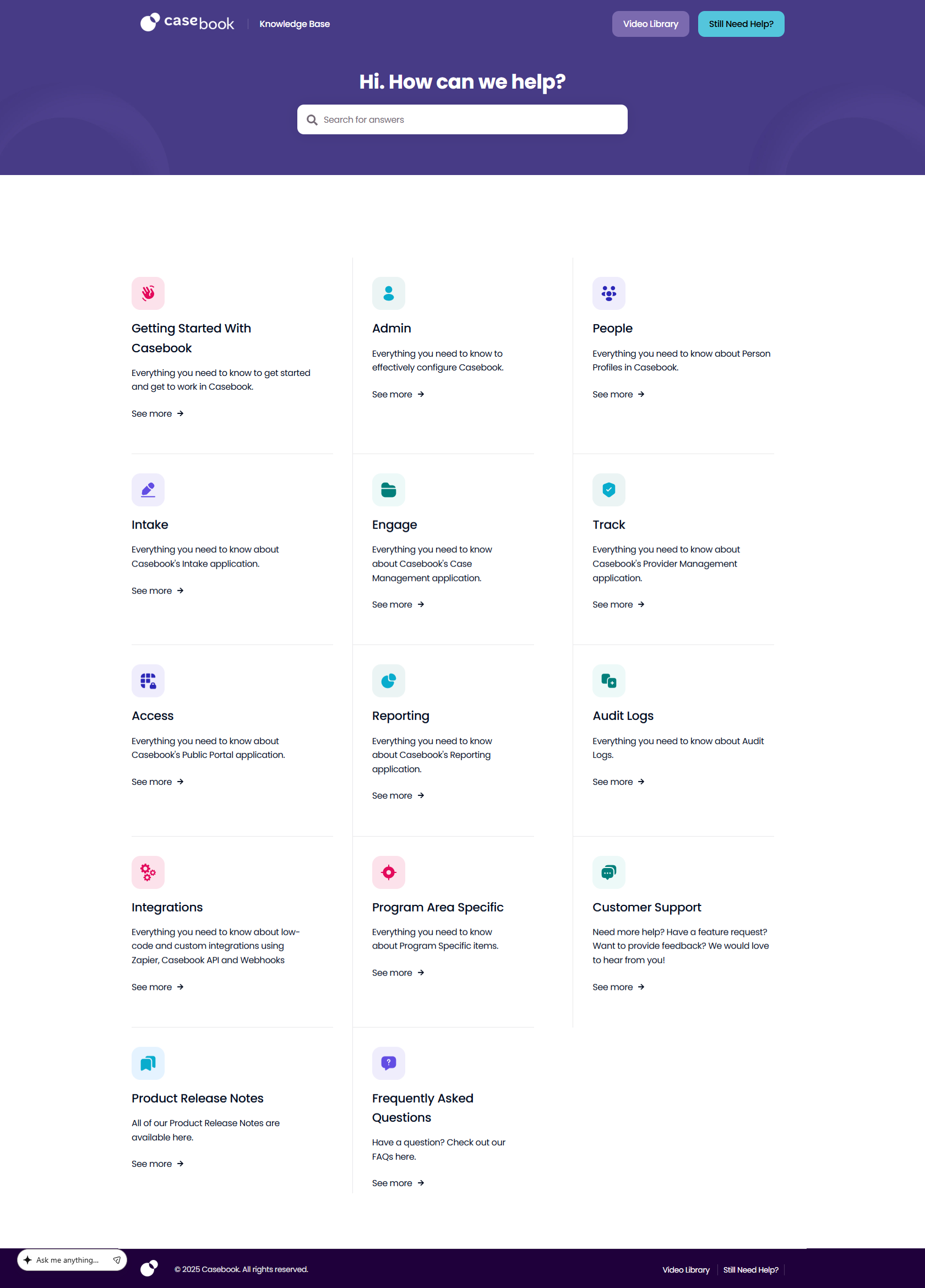
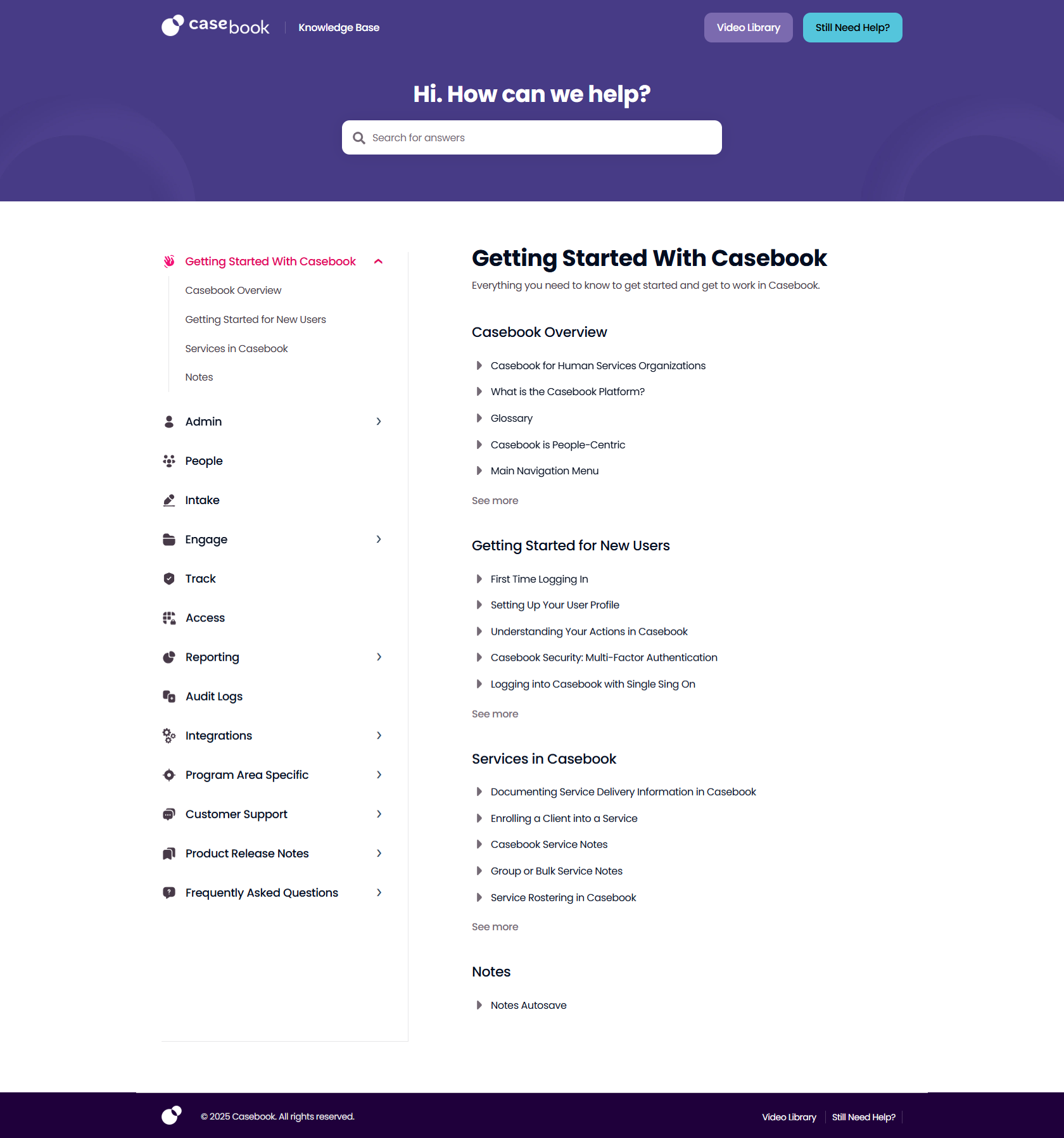
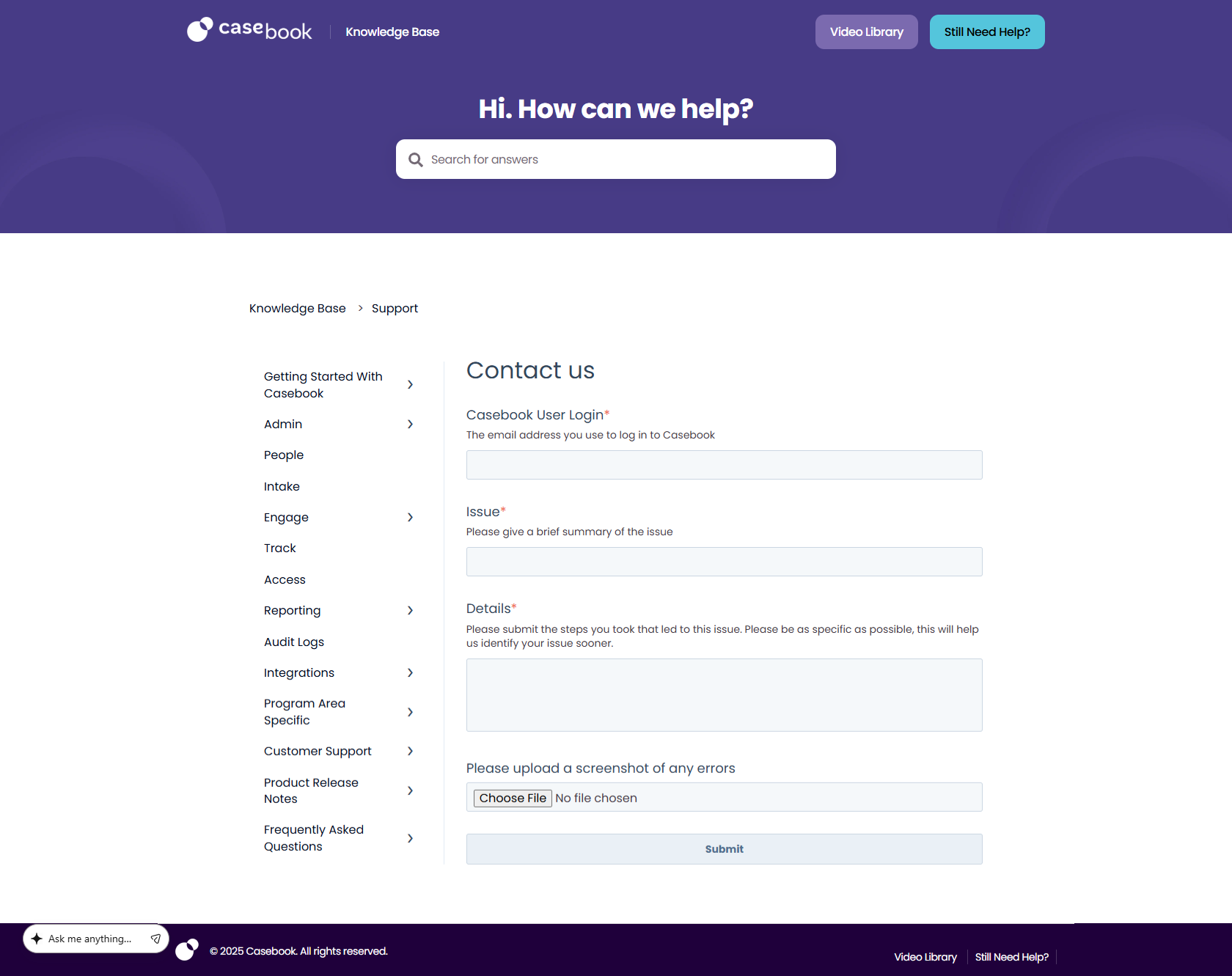
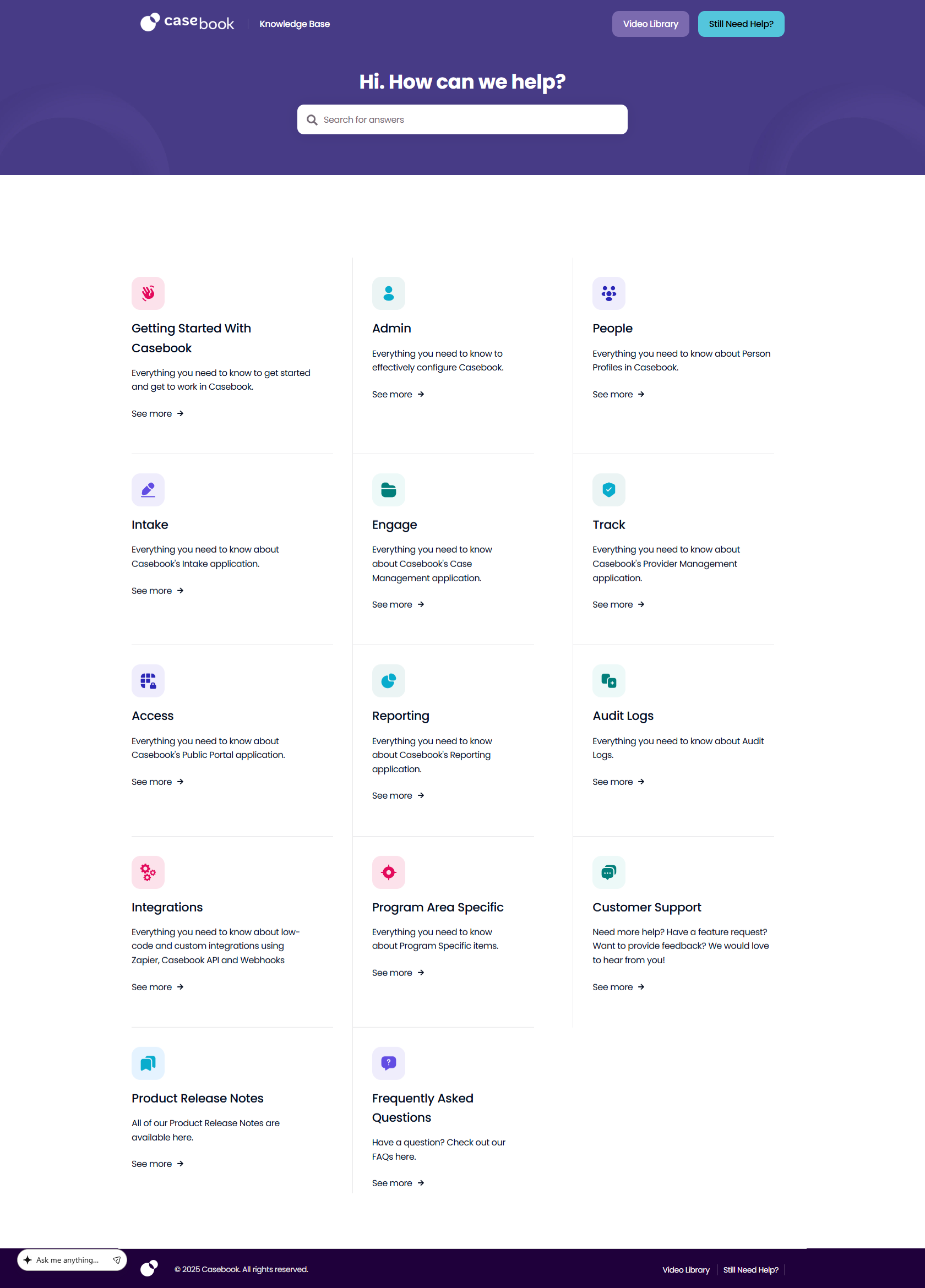
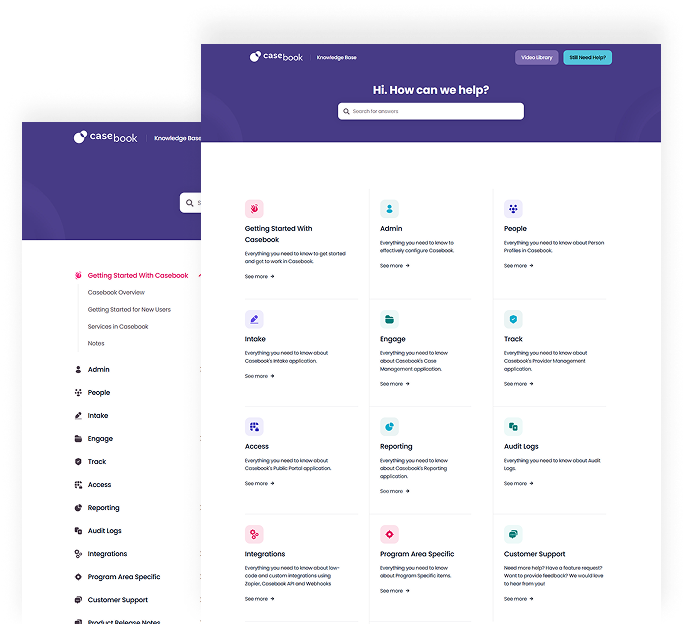
Case Book is a modern, content-focused digital experience built on HubSpot CMS. The website combines clean design, intuitive navigation, and a structured content presentation to help visitors explore information with ease. Designed with usability, flexibility, and scalability in mind, the project demonstrates how thoughtful web development can turn complex content into an accessible and engaging online experience.

Case Book

Project Overview

The Case Book website showcases a structured and user-friendly digital experience developed using HubSpot CMS. The focus is on presenting content clearly, creating intuitive navigation, and ensuring visitors can access relevant information without unnecessary friction.

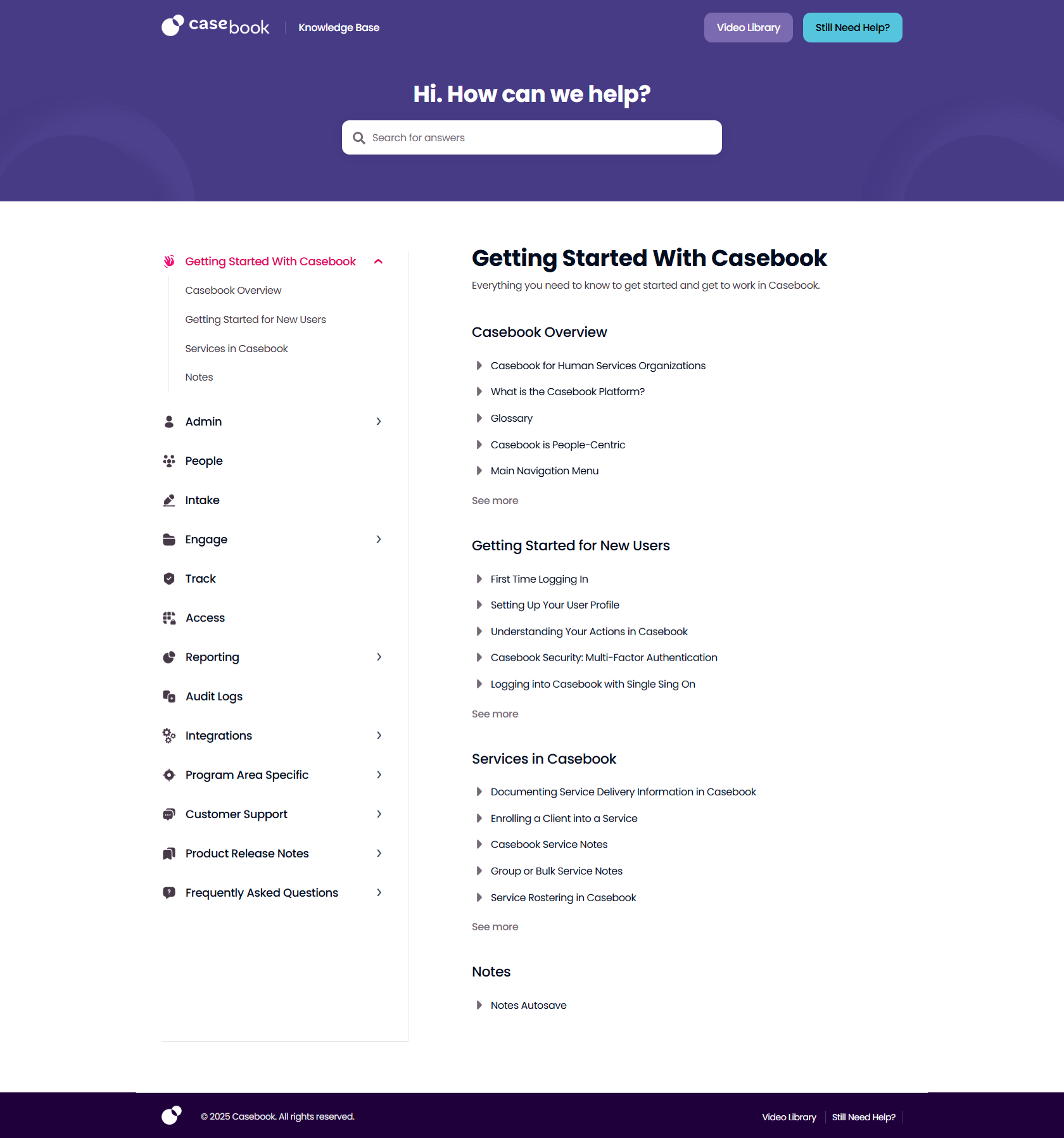
Through a clean layout, consistent visual hierarchy, and responsive development, the website provides a seamless experience across desktop, tablet, and mobile devices. The CMS-based approach also supports efficient content management, making it easier to maintain and update website information as requirements evolve.

This project reflects Hamsol’s approach to web design and development: combining usability, thoughtful implementation, and flexible digital architecture to create websites that serve both business objectives and user needs.

Brand Guidelines

Brand Guidelines

Typography, font sizes and global colours used throughout the website.

Font Family

Poppins

Primary typeface used throughout this project.

Heading

Heading

Font Size: 36
Font Weight: 700

Sub Heading

Sub Heading

Font Size: 22
Font Weight: 600

Body Text
The quick brown fox jumps over the lazy dog.

Font Size: 16
Font Weight: 400

Button Text
Get Started

Font Size: 16
Font Weight: 500

Global Colors

Primary Color Palette

Primary #473B86
Secondary #1F003B
Accent #54C5DC
Text #030D20

Our Process

Step 1 — Structure & Planning

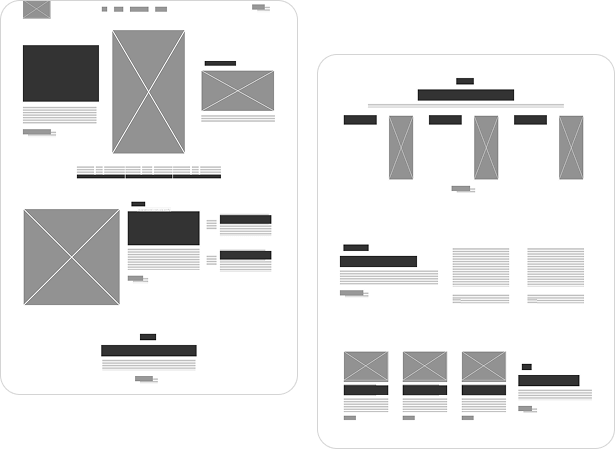
The project begins with organizing the website structure, understanding content requirements, and mapping out the visitor journey. This stage establishes a clear information hierarchy and helps define how users will navigate between different sections of the website.

Step 1 — Structure & Planning
Step 2 — Design & Development

Step 2 — Design & Development

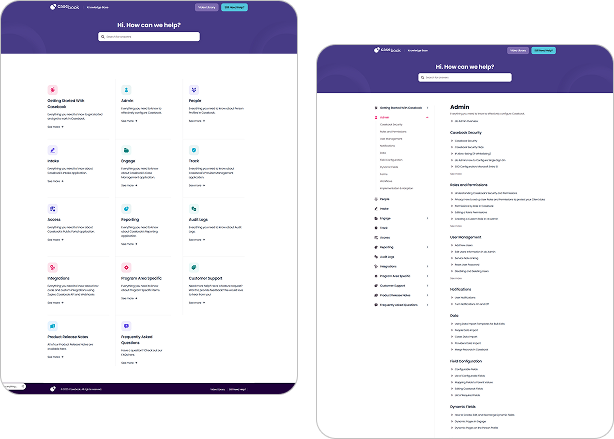
The planned structure is translated into a polished digital experience using HubSpot CMS. Design elements, page layouts, and responsive components are brought together to create a consistent interface that supports content discovery and ease of use.

Step 3 — Testing & Launch

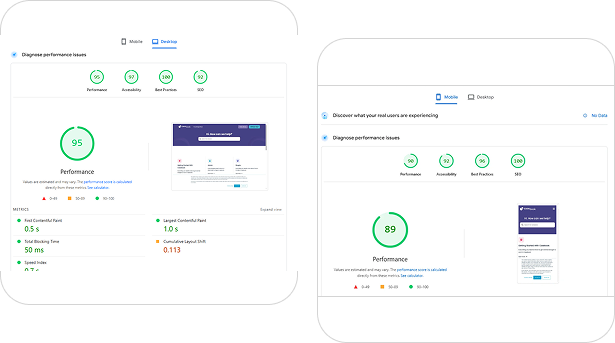
The final stage focuses on reviewing responsive layouts, checking navigation and interactive elements, and validating the overall user experience. These checks help ensure the website is ready to deliver a consistent experience across supported devices and screen sizes.

Step 3 — Testing & Launch

Ready to Build a Better Digital Experience?

FREE WEBSITE AUDIT GUIDE

Discover Opportunities to Improve Your Website

Get your free website audit guide to understand the key areas that affect website performance, SEO, user experience, and conversions.

    A LITTLE SOMETHING EXTRA

    This Ready to Build a Smarter Growth System?

    Get a clearer picture of how your business can improve its online visibility, strengthen its digital presence, and turn more opportunities into customers.

    YOUR EXCLUSIVE OFFER EXPIRES IN
    02:00

      Avail Free Poster Offer02:00